Creating a comfortable and efficient home workspace is essential for anyone working remotely or spending significant time on projects at home. A well-designed area can help you stay productive while reducing stress and fatigue. If you’re looking to improve your home office, here are some helpful tips to create a relaxing yet productive environment.
Choose the Right Location
Find a Quiet Spot
Select a location in your home that minimizes distractions. Ideally, this should be a quiet area away from heavy foot traffic, noisy appliances, or family activities. A peaceful corner or a spare room can work well.
Consider Natural Light
Natural light positively impacts mood and focus. Position your desk near a window if possible, but avoid direct glare on your computer screen. Good lighting helps reduce eye strain and enhances motivation.
Invest in Comfortable Furniture
Ergonomic Chair
Since you’ll be sitting for long periods, a good ergonomic chair is a must. Look for one that supports your lower back and encourages good posture. Adjustable height and armrests are pluses.
Functional Desk
Choose a desk that fits your space and provides enough room for your computer, paperwork, and organizational tools. Standing desks or adjustable desks offer flexibility to change positions throughout the day.
Create an Organized Workspace
Declutter Regularly
A tidy space helps maintain focus. Remove unnecessary items and keep only essentials on your desk. Use storage solutions like drawers, shelves, or boxes to organize supplies neatly.
Use Cable Management
Avoid tangled cords and cluttered surfaces with cable organizers. This small step can make your desk look cleaner and prevent distractions while working.
Personalize Without Overdoing It
Add Plants
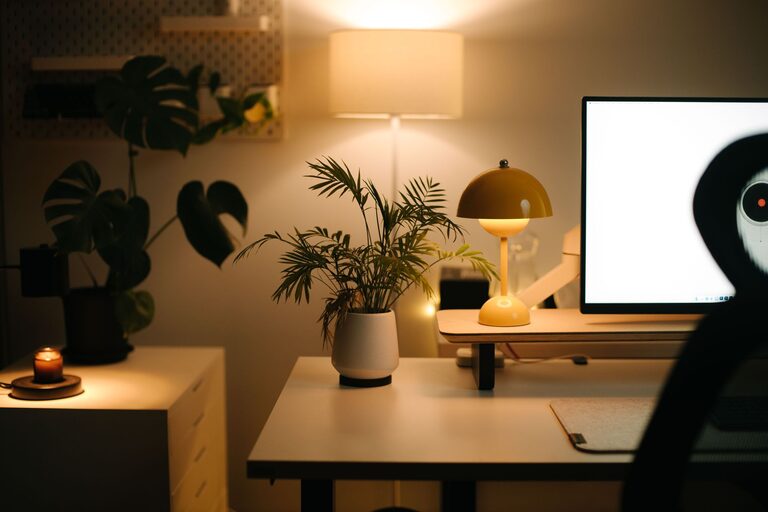
Indoor plants can improve air quality and bring a sense of calm. Small, low-maintenance plants like succulents or pothos work well in home offices.
Display Inspiring Items
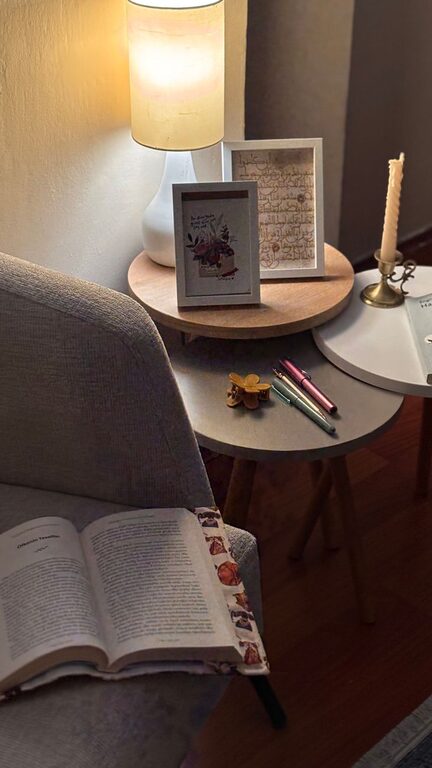
Place a few meaningful objects, like photos or artwork, to make the space welcoming. Avoid overcrowding your desk with items that might distract you.
Optimize Technology and Tools
Reliable Equipment
Make sure your computer, monitor, keyboard, and mouse are reliable and comfortable to use. Investing in quality tools speeds up your workflow and reduces frustration.
Use Headphones or Speakers
If noise is an issue, noise-canceling headphones or a good speaker system for background music can help you concentrate.
Manage Lighting and Ambiance
Layer Your Lighting
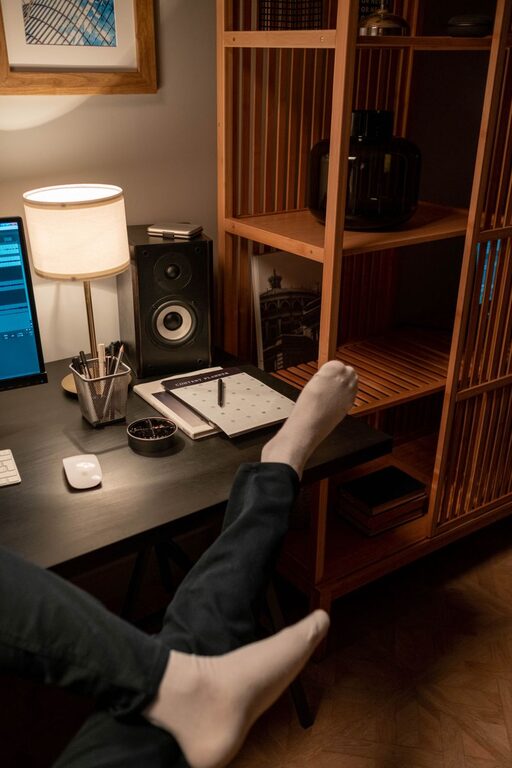
Combine natural light with soft overhead lights and task lighting. A desk lamp that you can adjust helps when working in the evening or on detailed tasks.
Choose Calming Colors
Colors influence mood and productivity. Soft, neutral tones or light blues and greens promote calmness and concentration.
Take Breaks and Move
Schedule Regular Breaks
Plan short breaks throughout your workday to stretch, rest your eyes, or take a quick walk. This helps avoid burnout and improves overall productivity.
Set Boundaries
Clearly define your work hours and communicate them if you share your home with others. This can help you maintain a healthy work-life balance.
Incorporate Relaxation Elements
Use Aromatherapy
Scented candles or diffusers with calming scents like lavender or eucalyptus can create a soothing atmosphere.
Keep Hydrated and Nourished
Keep a water bottle and healthy snacks nearby to stay refreshed and energized without interrupting your workflow.
—
By thoughtfully arranging your home workspace using these tips, you can create an inviting environment that encourages focus and productivity while helping you stay relaxed throughout your day. The key is balance—combine functionality with comfort, and personalize your space to suit your style and work habits. Happy working!
About the Author